How to Test Camera Samples Before Bulk Purchase?
- Share
- publisher
- June
- Issue Time
- Sep 23,2026
Summary
Learn the full checklist to test IP, Tuya, solar & PTZ camera samples before bulk order. Check image quality, night vision, connectivity, durability & functions
How to Test Camera Samples Before Bulk Purchase?
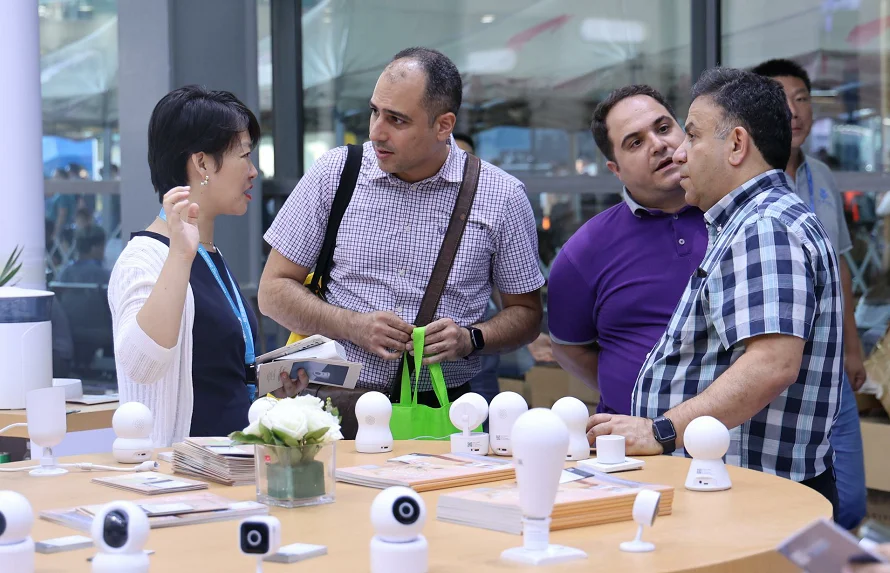
When buying security cameras in bulk for resale, construction projects, farm surveillance or commercial installations, testing samples first is essential. Sample testing helps you avoid costly mistakes, verify product performance and confirm whether the camera meets your project requirements.Below is a practical step-by-step checklist for testing camera samples.
###
1. Unboxing & Hardware Inspection
Start with a physical check right after receiving samples.
- Check the appearance: scratches, cracks, loose lens, water seal and IP housing.
- Verify accessories: power adapter, antenna, mounting bracket, cable, user manual.
- Check model consistency: confirm sensor, chip, megapixel match the specification sheet (e.g. Ingenic chip, SC sensor, 3MP Tuya camera).
2. Daytime Image & Video Quality Test
Test in different lighting conditions.
- Bright sunlight: check overexposure, contrast, color reproduction.
- Shadow areas: see if details can still be captured.
- Check resolution: confirm real 3MP/4MP/8MP live view and snapshot clarity.
- Test motion: moving objects should not be heavily blurred.
3. Night Vision Test (IR & Color Night Vision)
Night performance is one of the most important indicators.
- Infrared night vision: test in total darkness, check viewing distance and noise.
- Full-color night vision: check image brightness and color accuracy under low light.
- Check whether IR cut filter switches smoothly between day and night mode.
4. Connectivity & Platform Test
For Tuya Wi-Fi / 4G solar cameras:
- Wi-Fi model: test stable connection under 2.4G Wi‑Fi, check offline issues.
- 4G model: test SIM card signal, remote live view and 4G data consumption.
- APP operation: test Tuya app live view, playback, snapshot, two-way audio.
- ONVIF test: if needed, connect camera to third-party NVR to verify compatibility.
5. Smart Function Test
Test AI features if your cameras support:
- Human detection, motion detection, vehicle detection.
- Alarm push notification to mobile phone.
- Check false alarm rate (this is where Ingenic chip’s edge AI helps reduce false alerts).
- Two-way audio: test microphone pickup and speaker sound clarity.
6. Storage Test
- SD card recording: check video recording, playback, overwrite function.
- Cloud storage (if available): test cloud video upload and playback.
7. Durability & Environmental Test
- Waterproof test: spray water on camera housing to verify IP65/IP66 protection.
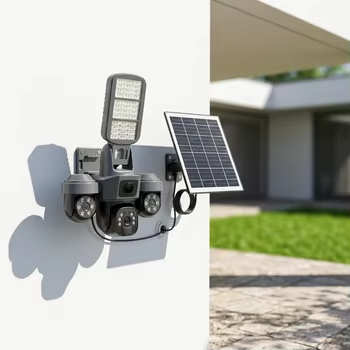
- For solar cameras: test solar panel charging and battery discharge, simulate low sunlight.
- Temperature test: check performance under hot or cold environment if your project requires.
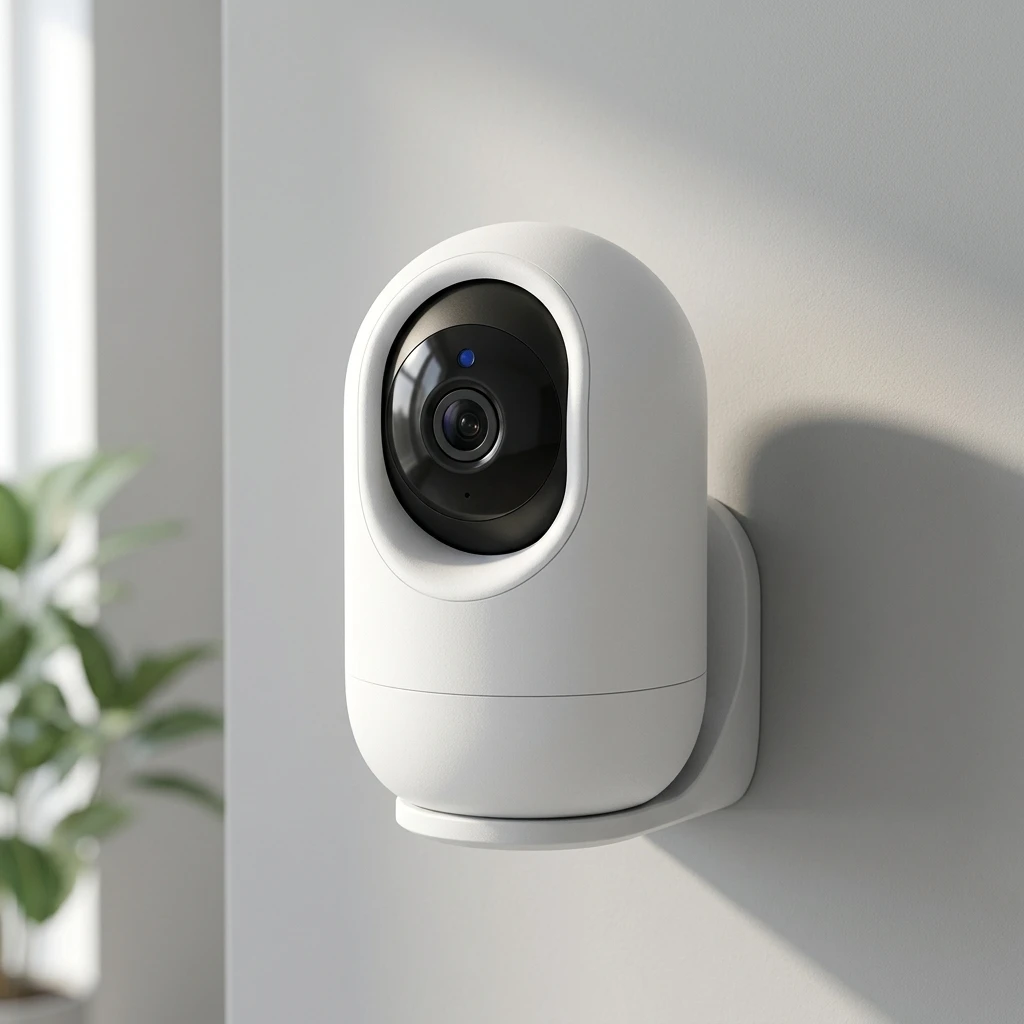
8. PTZ Test (For PTZ Cameras)
- Pan, tilt and zoom speed and smoothness.
- Preset point function, auto cruise.
- Check for noise when rotating.
9. Record Test Results
Write down all test items, take screenshots and save sample videos.
Compare the actual performance with product datasheets. If any function fails, send feedback to the supplier before bulk purchase.
Title
Sample Content
Title
Sample Content
Title
Sample Content
Final Tips
1. Test samples in your actual on-site environment, not just in your office.
2. Test for at least 2–7 days continuously, not only 10 minutes. Many connectivity problems appear after long running time.
3. Confirm MOQ, lead time, warranty and after-sales together after sample passes.
Conclusion
Sample testing is the best way to reduce risk before bulk camera orders. By checking hardware, image quality, night vision, network stability and smart functions, you can confirm whether the camera fits your market and project.